Getting Started
Using the App for the first time; login, select your Team
Login
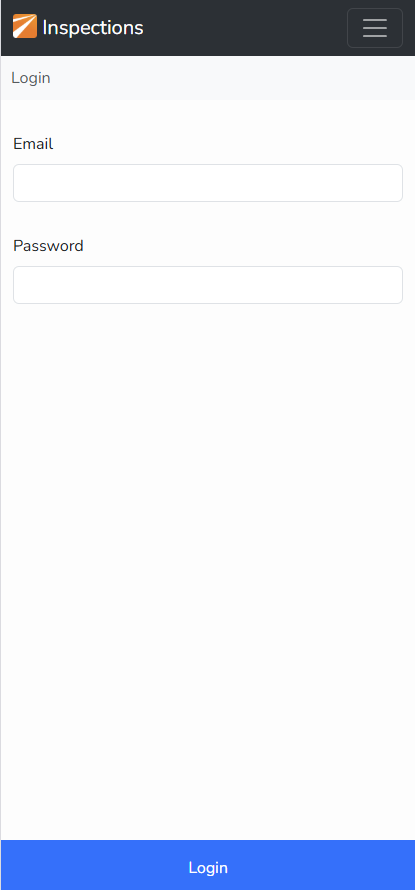
Enter your Credentials
Enter your email address and password, click the Login button at the bottom of the view
NOTE: on some mobile phones the Login button can be obscured by the keyboard. Just drop the keyboard down out of the way.
The App will store a secure token so you do not need to Login every time you use the App.
You will need a mobile data connection to perform this step. An error will be shown if the App cannot authenticate your credentials for any reason. |
 |
Select a Team
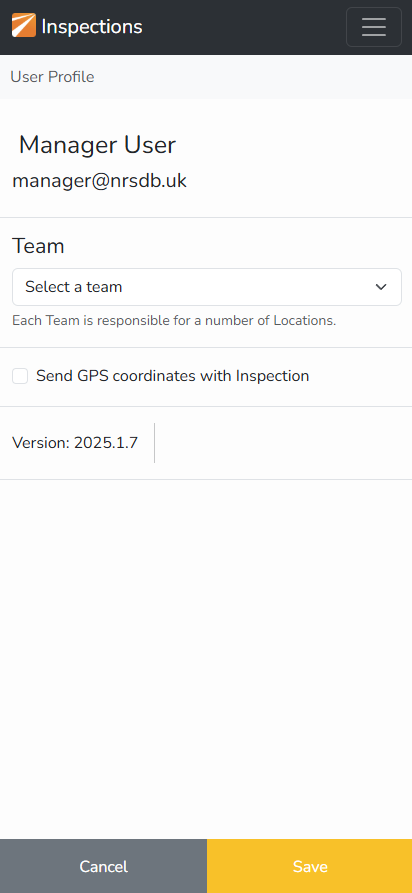
Select a Team
The "Profile" view will appear so you can select the "Team" that you are working within.
Each Team is responsible for a set of Locations. Each Location should be inspected according to the schedule set by the Seasonal Manager.
The selected team is remembered for future sessions.
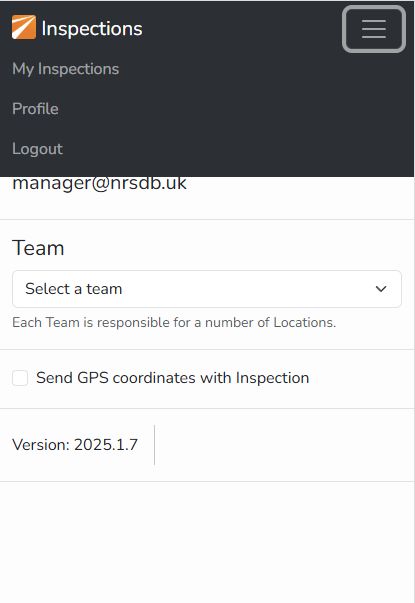
If you work across more than one team you can select a new Team at any time by going back to the Profile page (see image below). |
|
Menu Options
ProfileThe Profile view is available via the hamburger menu at the top-right of the App. LogoutIn normal conditions you do not need to Logout but if you want to change User this option is also available via the hamburger menu. |
|