Add Images
|
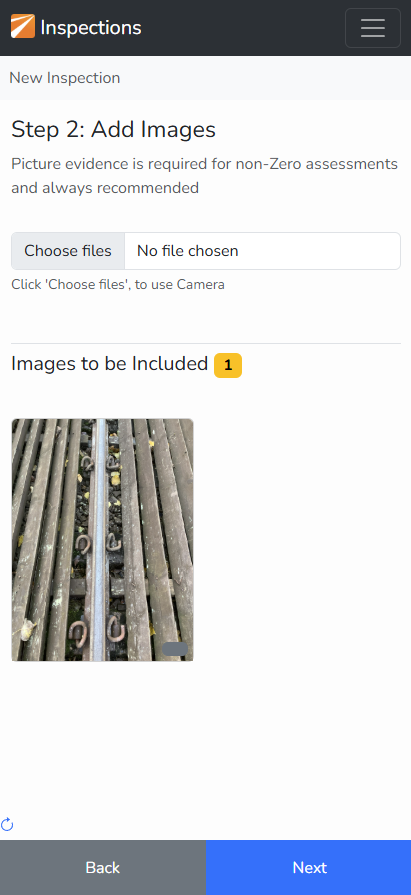
Click on "Choose files" and select the evidence you wish to include with the inspection.
A preview of the selected images is shown.
Click 'Next' once you added all the images.
TIP: it is recommended to take pictures in the normal way before starting the App. Then retire to a safe location where you have good mobile data signal. |
|