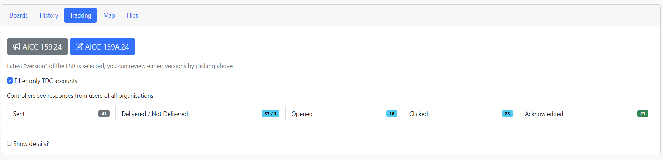
Tracking Tab
The Tracking tab provides information about the email notifications we sent for the speed restriction.
In the example below the restriction was amended, so the default view shows the notifications sent for the amendment.current Youamendment can(AICC go087A.26)
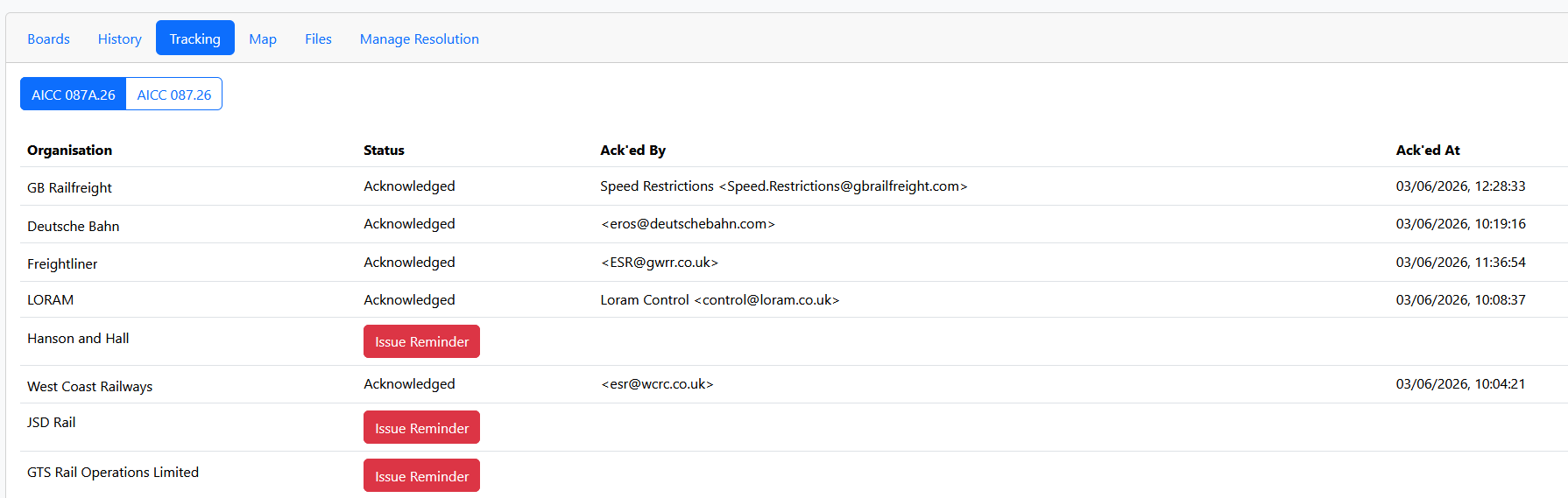
An Train Operating Company might have several addresses for receiving alerts but we just need Acknowledgement from one of them. The TOC is able to "subscribe" to the originalLORs impositionthat they operate on. We expect an Acknowledgement for every alert sent.
You can send a reminder email by clicking on the greyIssue Reminder button.
We show notifications for TOC accounts at first as these are the most important. After EVERY new speed imposed we recommend checking the Tracking to see that alerts were sent.
You can clearreview what responses we got to the “Filteroriginal onlyESR TOCby accounts” checkbox to see all notifications.
You can also useclicking the “Showbutton Details” checkbox to seeabove the timingtable of(in eachthis action.case AICC 087.26) -- you can't issue reminders since the original ESR has been superseded.