
View an ESR
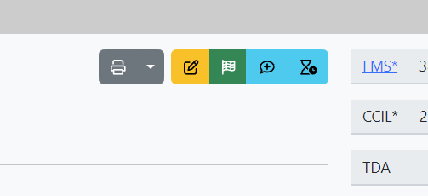
When viewing a speed restriction there is a collection of action buttons as shown below
There is also a link to the FMS system but this only works within the Network Rail computer network.
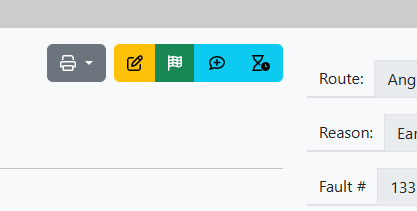
When viewing a speed restriction there is a collection of action buttons as shown below
There is also a link to the FMS system but this only works within the Network Rail computer network.